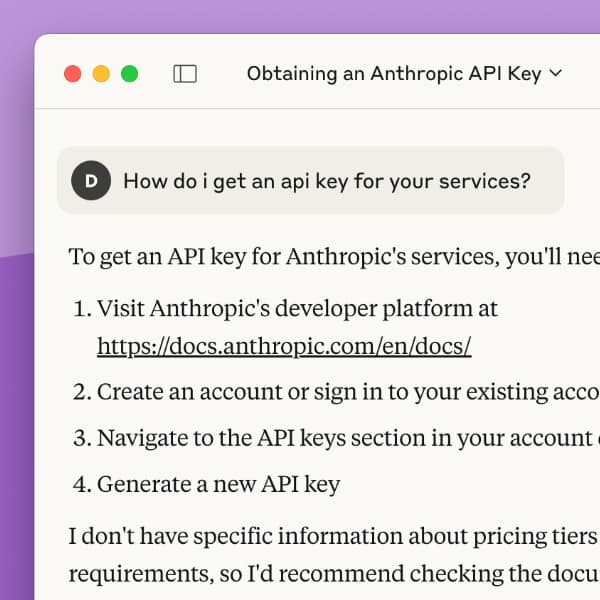
“How can I use generative AI effectively?” — “How do I write a good prompt?“ — As people explore accessing external AI in DEVONthink, questions arise about how to use it. Here we show you two helpful resources about using AI. (more)
When doing research and taking notes, it is often helpful to link to specific parts of text in documents, especially PDFs. DEVONthink has two special copy and paste commands that make such linking very fast and effective. (more)
At some point, you have probably worked on a text and created a duplicate to save its current state. For this purpose, DEVONthink offers document versioning. This is a backup mechanism that automatically creates versions of your document when you make edits. Here is a quick introduction to this useful feature. (more)
There are times when an image would be useful to illustrate something, or just something creatively fun to explore. If you have the Pro or Server edition of DEVONthink and an API key for an AI provider, you can create images directly in DEVONthink. Here is what you need to know. (more)
The Content inspectors in DEVONthink 4 are especially useful for PDFs, as they provide an overview of the document. You get a table of contents and thumbnails of the document’s pages. With DEVONthink 4, you can also customize a PDF’s outline. (more)
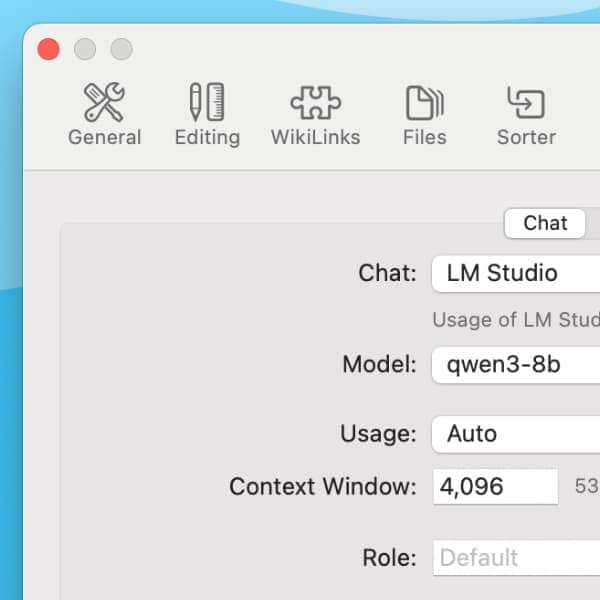
When it comes to AI in DEVONthink 4, questions of privacy and cost usually come up. In addition to the large commercial products, there also are smaller models that you can install and run locally on your Mac and use in DEVONthink. Here we show you these options. (more)
In DEVONthink 4, you can use an external AI model like Claude or ChatGPT, e.g., to ask questions about your documents or generate images. For that you need an API key. But what is this and where can you get one? (more)
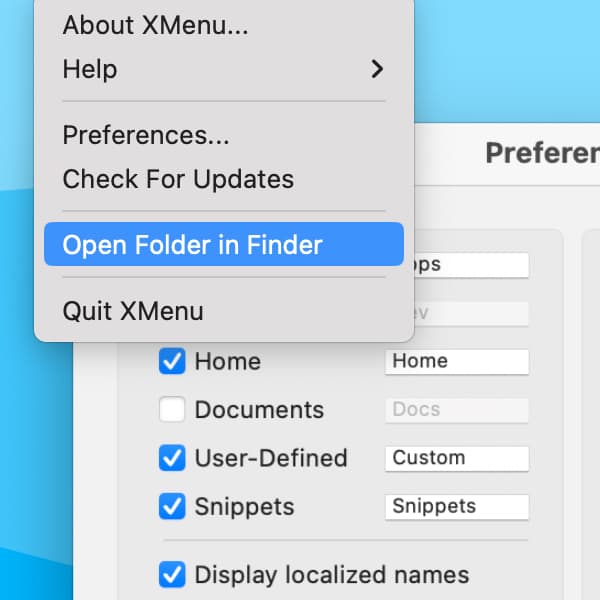
XMenu is a free utility from us that lets you quickly access apps, files and folders, your home directory, or even small text snippets from your menu bar. It’s a handy little tool to save you time navigating around your Mac. We show you a few little tricks on how to interact with the menus. (more)
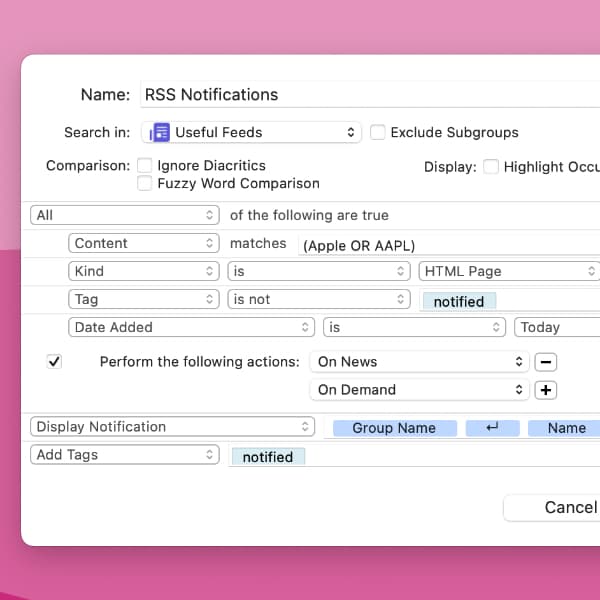
You can use DEVONthink as an RSS reader to subscribe to, read, and archive feeds. Here is a simple way to add notifications when you get new articles. (more)
Do you use DEVONthink for writing text or taking notes? DEVONthink 4 has some settings that affect the appearance of your text to make editing text a little more comfortable. (more)
By using our site, you acknowledge that you have read and understand our Cookie Policy and our Imprint.