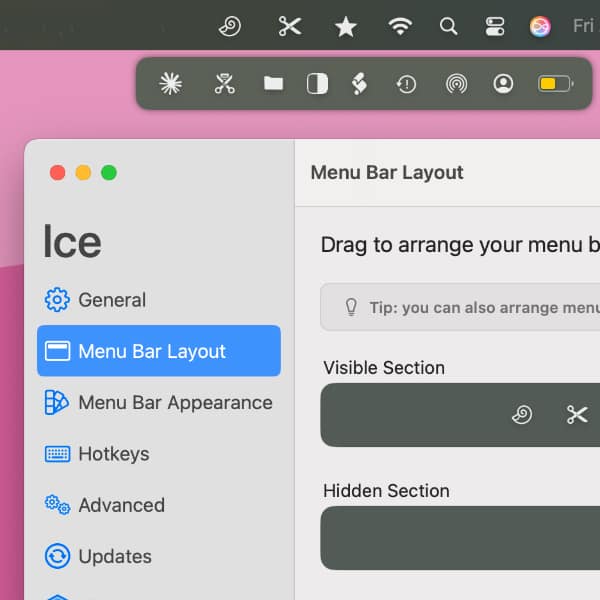
The menu bar is great place to access lightweight utilities, like XMenu or DEVONthink’s Sorter. However, it is also a limited space where chaos can quickly break out. We therefore want to show you a great utility that will help you clean things up. (more)
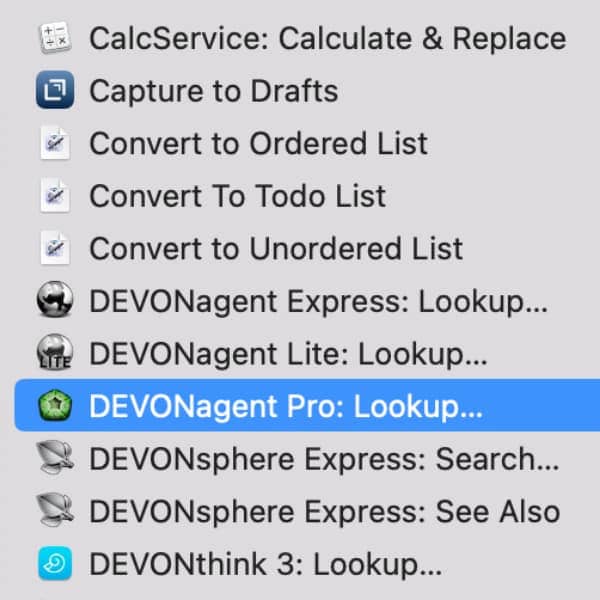
The Services menu in most native macOS applications provides a variety of context-dependent, handy automations. Our applications extend this menu with powerful search features that you can use in your search workflow. (more)
Apple presented their new iMacs this week and we made it into the presentation! If you take a careful look at the video, you can spot the DEVONthink icon. But what could this be about? (more)
Last month we released our little Neo Network Utility, bringing you some simple network diagnostics in a nice interface. Today we’re updating it to version 1.1 with IPv6 support, many quality-of-life enhancements, and bug fixes. (more)
You want to learn more about your Mac’s current network connection or test if a remote server is still alive? You want to find out more about what detours your data packages take on their way through the internet? Or you just want to test your network speed? Our new, free Neo Network Utility got your covered. (more)
DEVONthink’s Global Inbox is an ever-present database used as a temporary holding tank for items you’ll late file in other databases. Here is how you can add items to it more efficiently than merely drag and drop. (more)
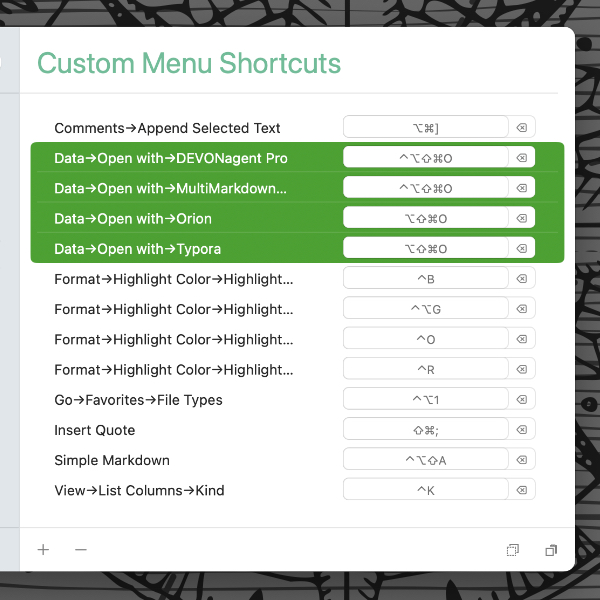
In macOS’ System Settings or Houdah CustomShortcuts, you can set up a keyboard shortcut to quickly open documents from DEVONthink in a specific application. Here is, how to set up the very same keyboard shortcut for different file types. (more)
When Apple announces their latest operating system, it may be tempting to jump right on it. But is that the best idea? Here are our recommendations. (more)
If you are dragging and dropping emails from Apple Mail into DEVONthink, you may see a message in our Log window that importing a message failed. Here’s something you can try to resolve the issue. (more)
By using our site, you acknowledge that you have read and understand our Cookie Policy and our Imprint.