
How to Clip in Microsoft Edge
January 28, 2025
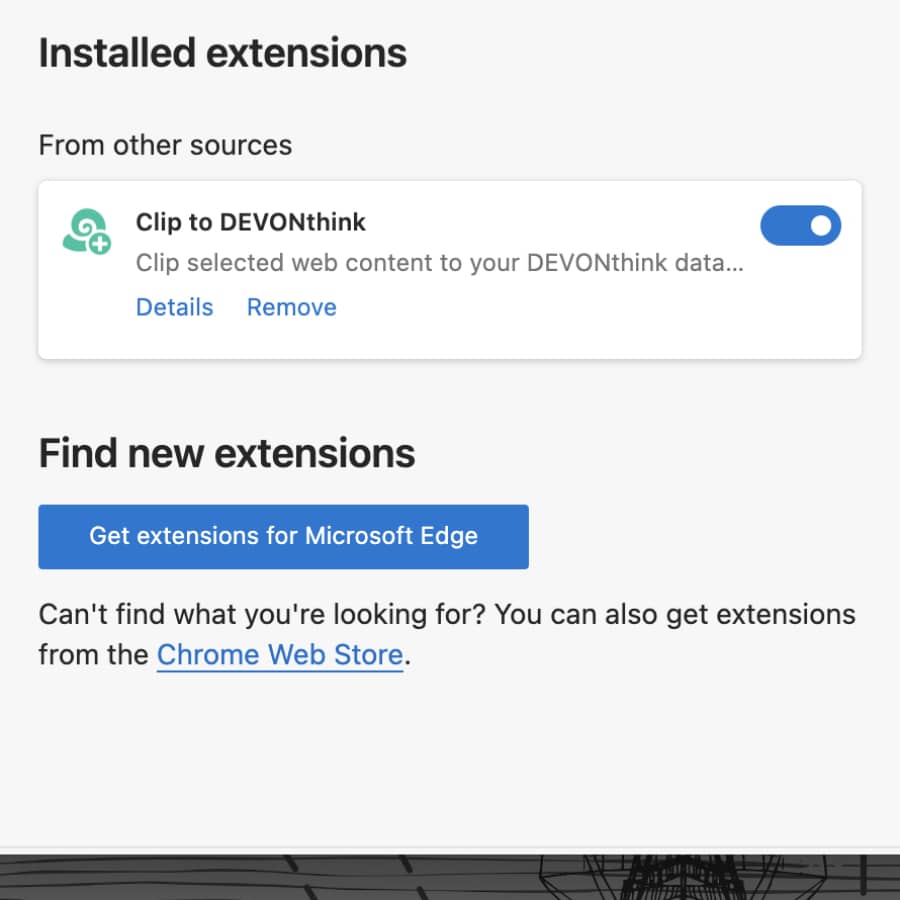
If your browser of choice is Microsoft Edge, you have two easy options for clipping web content to DEVONthink. We show you how they work. (more)

If your browser of choice is Microsoft Edge, you have two easy options for clipping web content to DEVONthink. We show you how they work. (more)


Do you already know Marky, the Markdownifier? This is a web application that easily converts web pages into beautiful and clean Markdown. And now Marky has also received an integration for DEVONthink. (more)

With our Clip to DEVONthink extension, you can easily capture web content in Google Chrome. However, if you are having trouble downloading the extension, we may have a solution for you. (more)
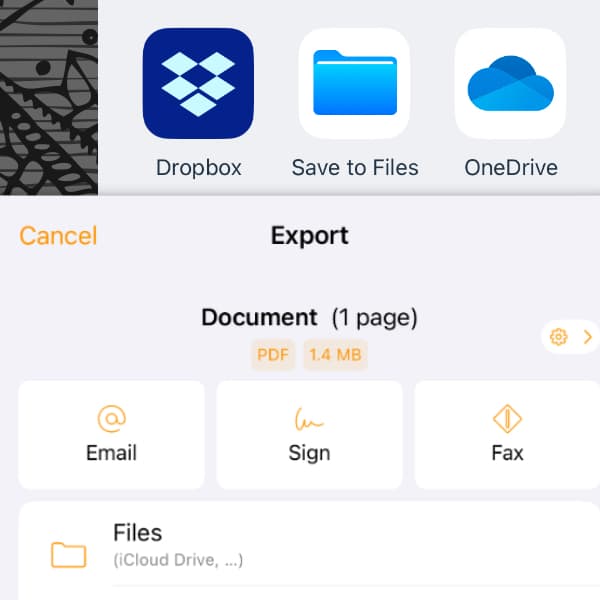
There are many ways to scan documents with your iPhone. But what’s the easiest way to get scans from your favorite scanning app into DEVONthink To Go without the hassle of moving documents around? Here we show you how to scan directly into your database. (more)

We receive probably most of the information that we want to save in DEVONthink online, via a web browser. If you regularly capture content from the same website, there is a workflow that makes this easier and more productive. We show you, how it works. (more)
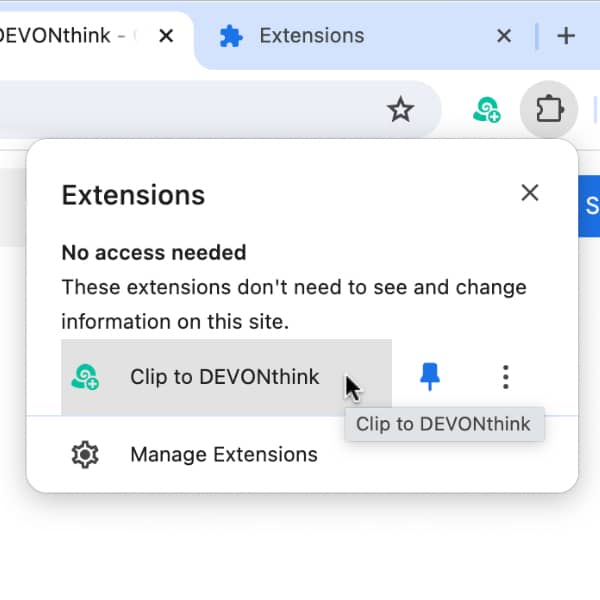
If you are using Google’s Chrome browser and want to clip content into DEVONthink, here is how to install and configure our browser extension. (more)
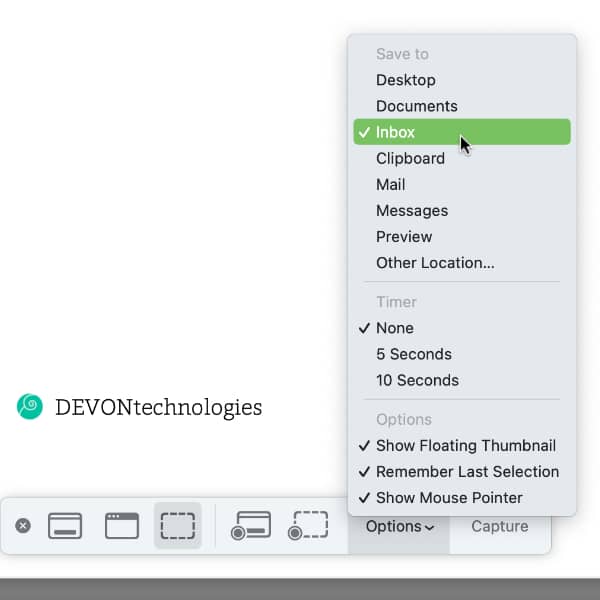
While there are many screen capturing applications available, including DEVONthink’s own Sorter, Apple’s screen capture utility is still useful in many situations. Here’s how to integrate it with DEVONthink. (more)
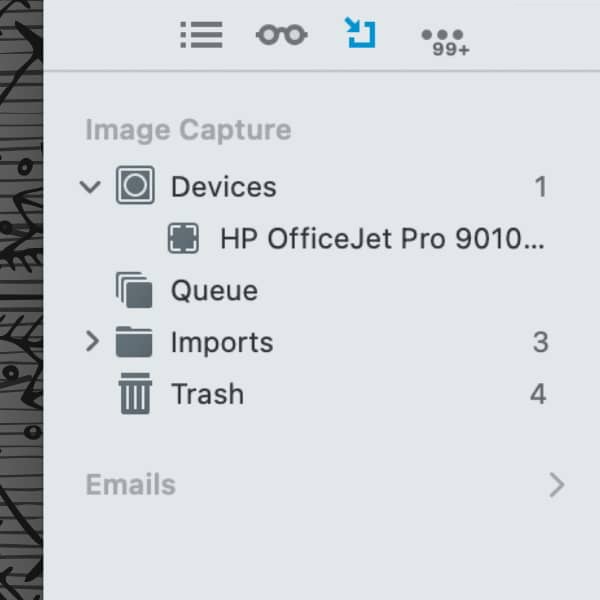
An important tool for your paperless office is, naturally, a scanner. The Pro and Server editions of DEVONthink even offer integrated scanner support for several models. But what should you look out for? Here are some things to consider. (more)

For capturing web content, DEVONthink comes with the Clip to DEVONthink browser add-on, DEVONthink To Go with a share extension. But there’s another way that can work even better, depending on the situation: bookmarklets. (more)
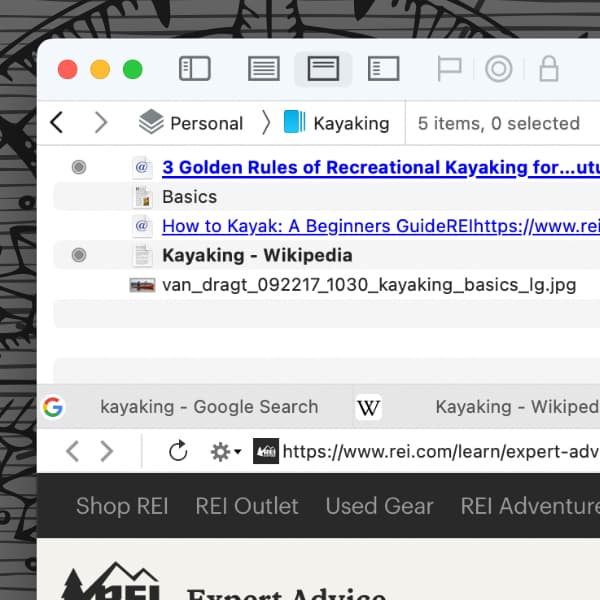
Clipping web content is one of the most common ways to get data into DEVONthink. But you may not know that you can clip inside our app as well, without having to switch to a separate browser. Here’s a simple way how you can quickly browse and capture web content directly in DEVONthink. (more)